




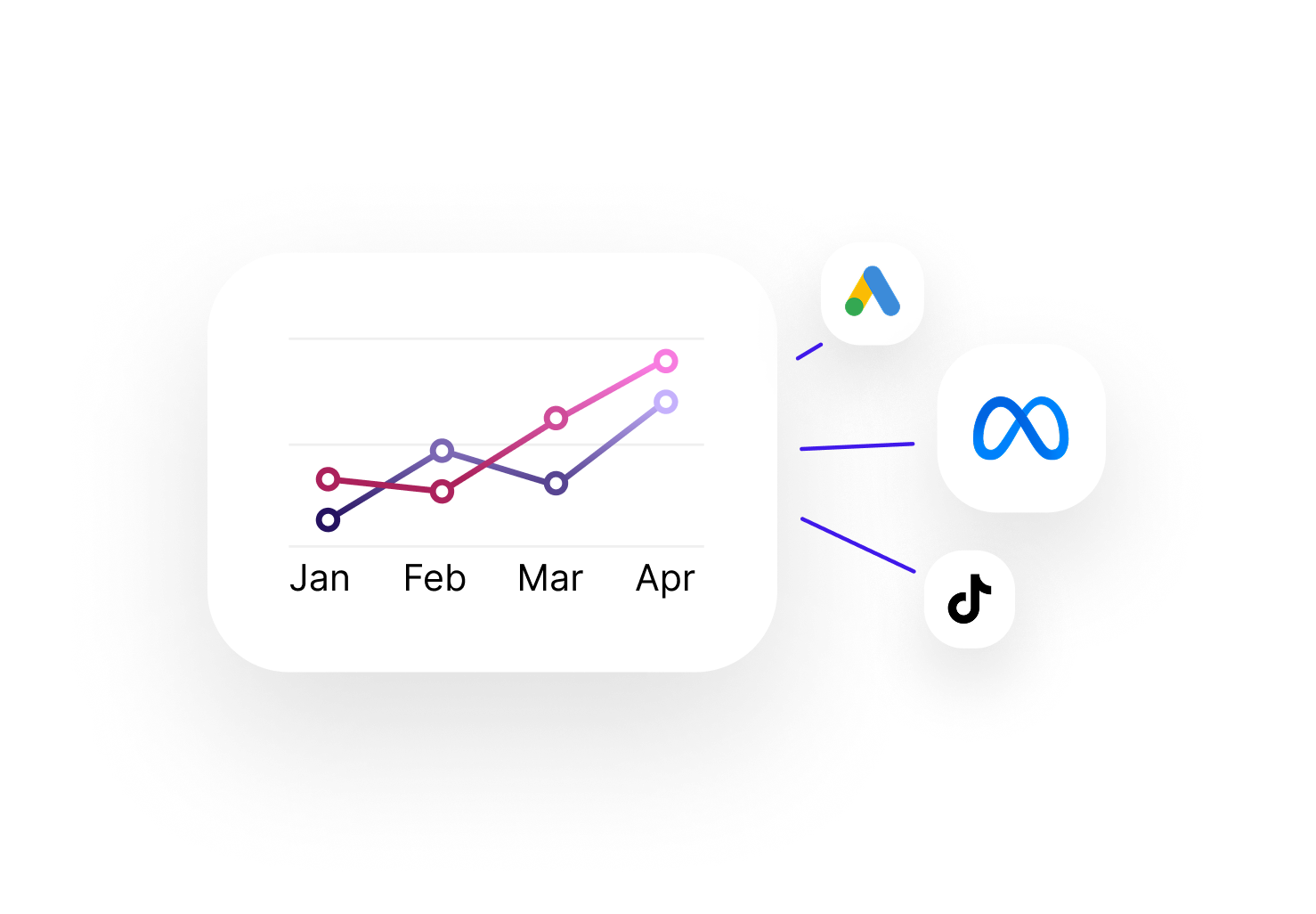
All your channels in a single view
UTM, email, social, ads, SEO, referral — every traffic source is automatically categorized and visible in a unified dashboard. Compare each channel's performance at a glance: clicks, visits, conversions and revenue.
- Real-time traffic view by channel and campaign
- KPIs per campaign: visits, conversion rate, revenue
- Trend charts to track performance over time
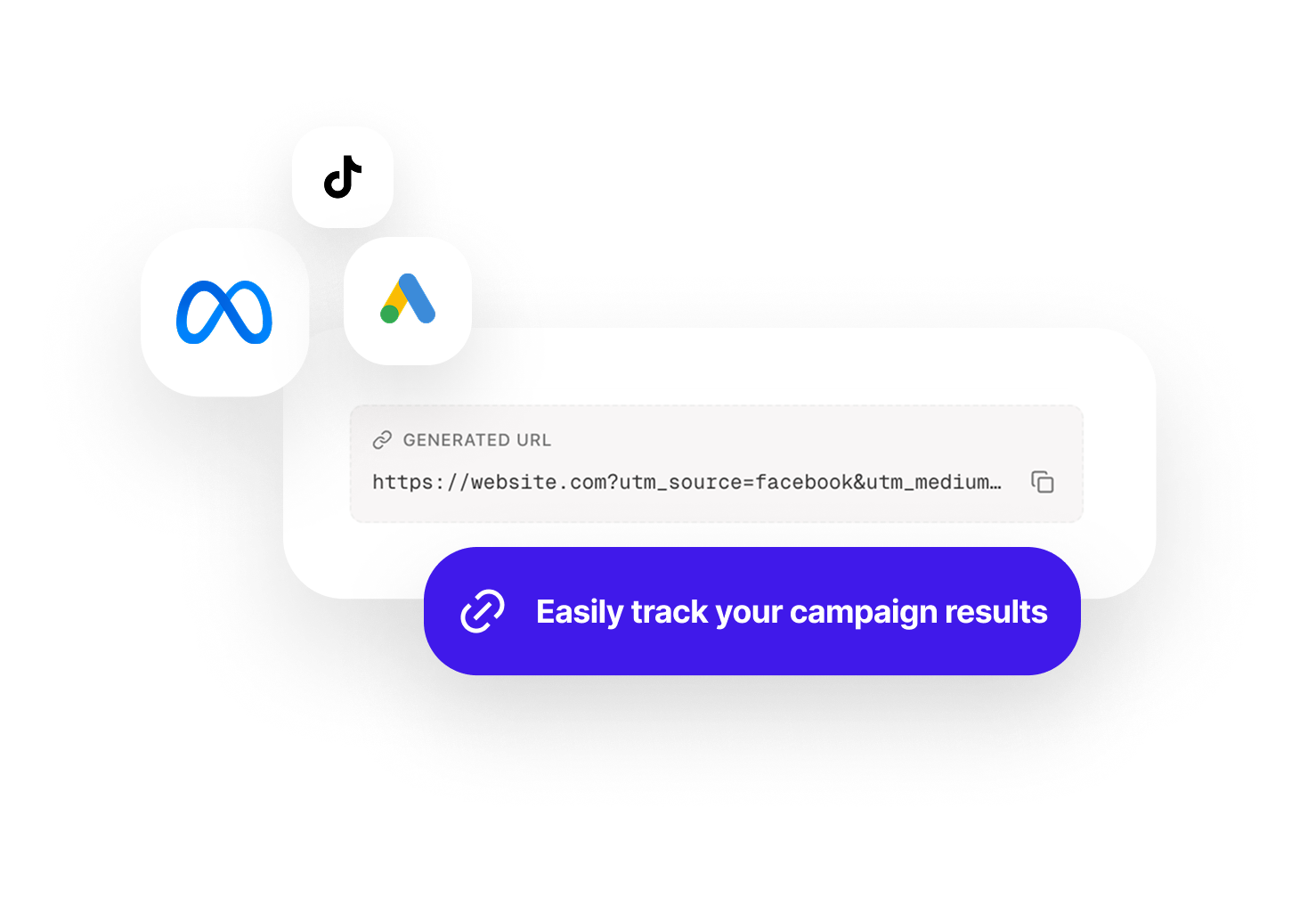
Create and manage tracked links without leaving Sublim
No more spreadsheets or external tools for your UTMs. The built-in generator creates clean links, saves them automatically and associates them with the right campaign. Copy or generate a QR code in one click.
- UTM parameter auto-completion (source, medium, campaign, content, term)
- One-click copy and full history of all generated links
- QR code generation for print materials and events
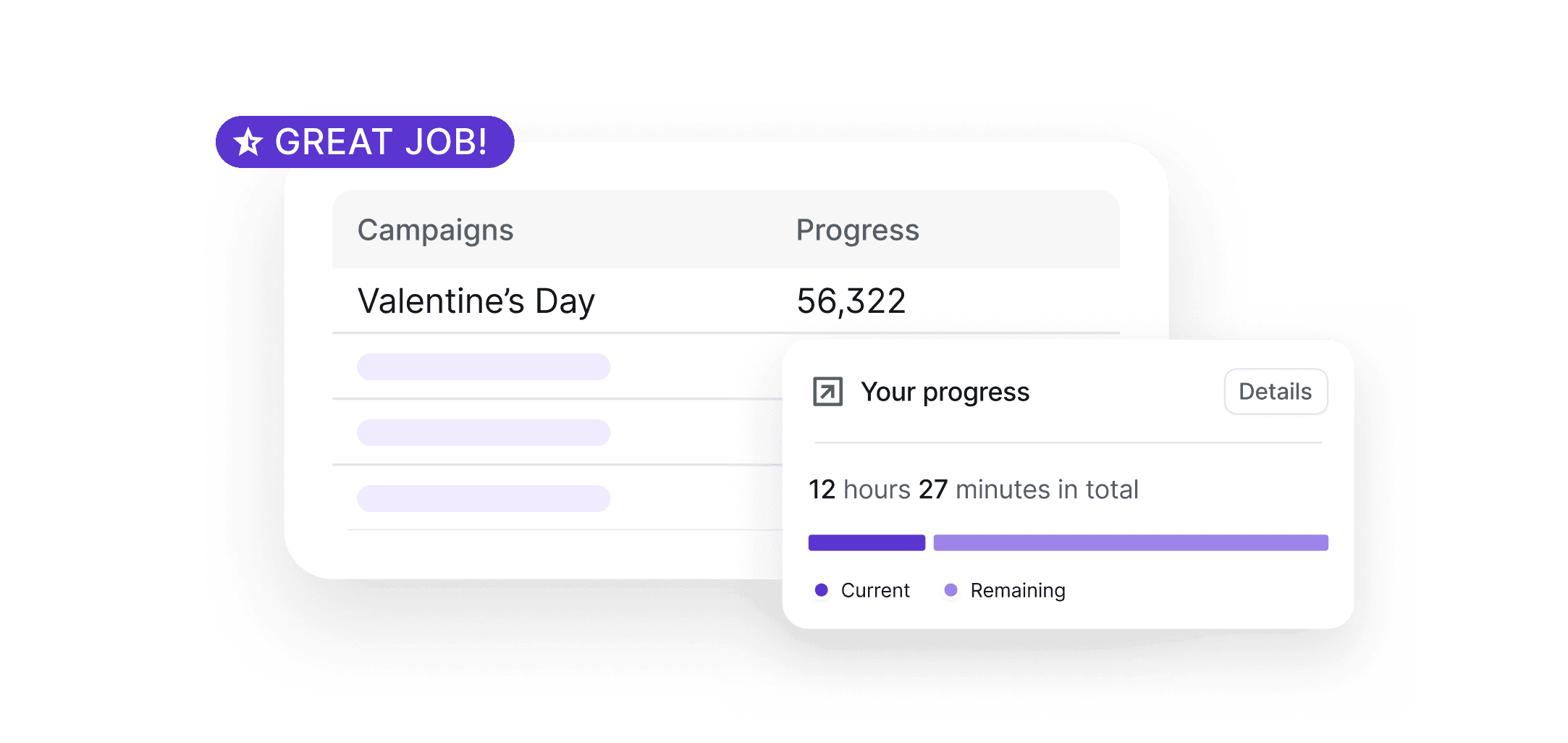
A campaign report ready in seconds
No more copy-pasting between tools. Sublim automatically aggregates all your campaign data and generates a clear report, ready to share with your team or client. Set the period, choose the metrics — the rest is automatic.
- Flexible date selection: week, month or custom dates
- Report focused on the metrics that matter: traffic, conversions, revenue
- Share via online link or PDF export with executive summary

Campaign tracking for every role
CMO, traffic manager, project manager or consultant — measure the real impact of every channel based on your goals.
Marketing Manager / CMO
Compare performance across all channels in one dashboard. Identify which ones drive qualified traffic and allocate your media budget with the right data.
View solution
Traffic Manager / Growth
Track your Google Ads, Meta and LinkedIn campaigns with structured UTMs. Compare cost per visit and conversion rate for each variant in real time.
View solution
Digital Project Manager
Measure each campaign's impact on site goals. Connect your marketing actions to KPIs and OKRs to prioritize future budgets.
View solution
Consultant / Freelancer
Manage campaign tracking for multiple clients without mixing data. Generate clear, well-argued performance reports in one click.
View solution
Frequently asked questions about Sublim campaigns
How does Sublim automatically detect my campaigns?
+
Sublim automatically recognizes UTM parameters (source, medium, campaign, content, term) in your URLs. It also categorizes known sources (Google, Facebook, newsletters, etc.) even without UTMs. Every visit is associated with the correct acquisition channel.
Is the number of campaigns limited?
+
No, all Sublim plans include unlimited campaigns. You can track as many campaigns, variants and channels as you need at no extra cost.
Can I analyze campaign performance over a custom period?
+
Yes. Use the date picker to define any analysis period — day, week, month or custom range. All campaign metrics (visits, conversions, revenue) update automatically based on the selected period.
How does the UTM generator work?
+
Enter the destination URL, choose UTM parameters (with auto-completion based on your existing campaigns) and Sublim generates the tracked link. It's automatically saved and associated with the corresponding campaign. You can copy it or generate a QR code.
Does Sublim replace Google Campaign URL Builder?
+
Yes, and it goes further. Sublim's UTM generator creates links, saves them, associates them with campaigns and lets you easily find all your past links. No more spreadsheets to manage your UTMs.
Can I track conversions per campaign?
+
Yes. Define conversion goals (button click, form submission, purchase) and Sublim automatically calculates the conversion rate for each campaign and channel.