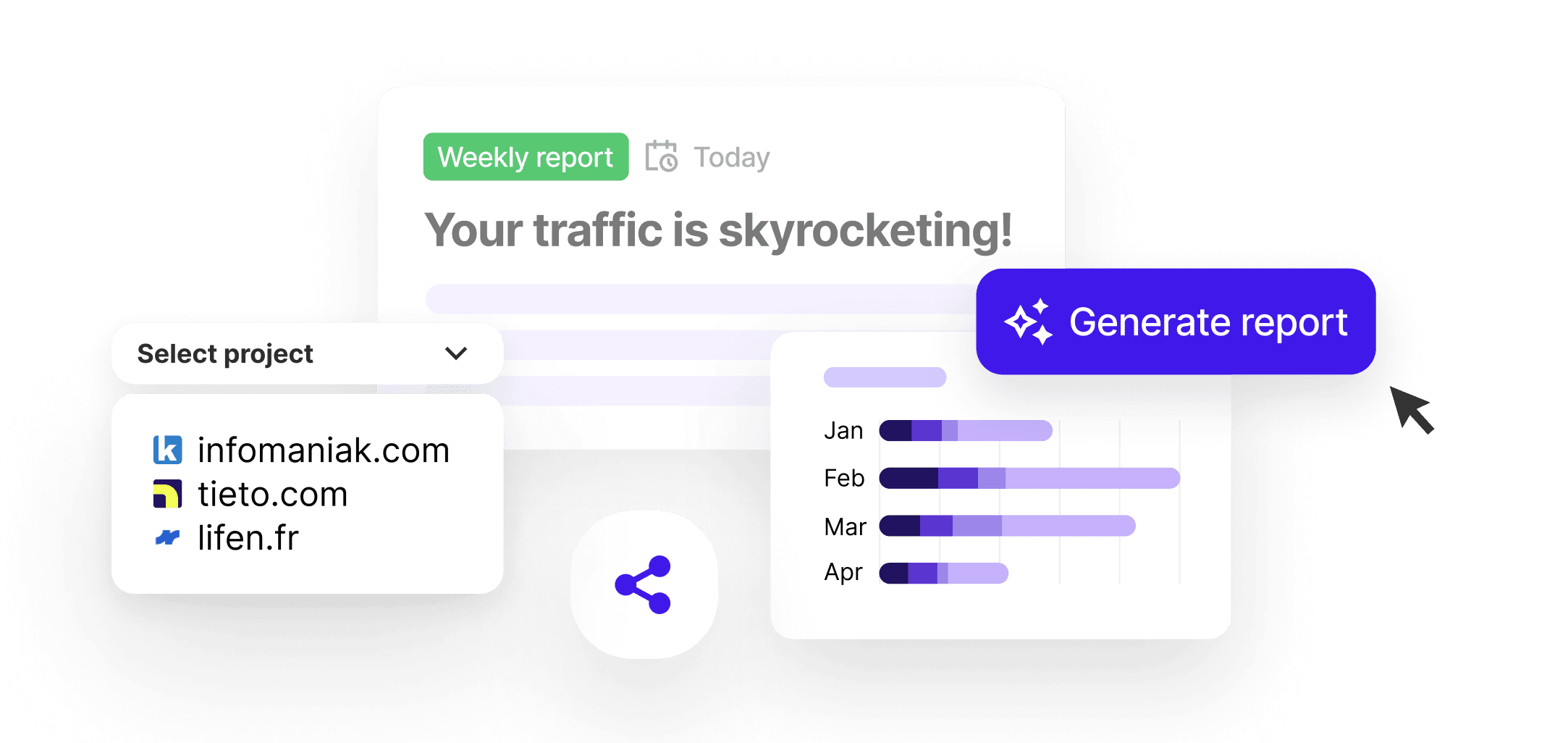
All your clients in one dashboard
You juggle between each client's GA accounts, with different access levels and interfaces every time. Sublim brings all your client projects into one workspace. Switch between clients in one click, with isolated and secure data for each one.
- One project per client with its own dashboard, goals and reports
- Switch between clients in one click without changing accounts or tools
- Invite your clients as read-only, they see their data, not anyone else's
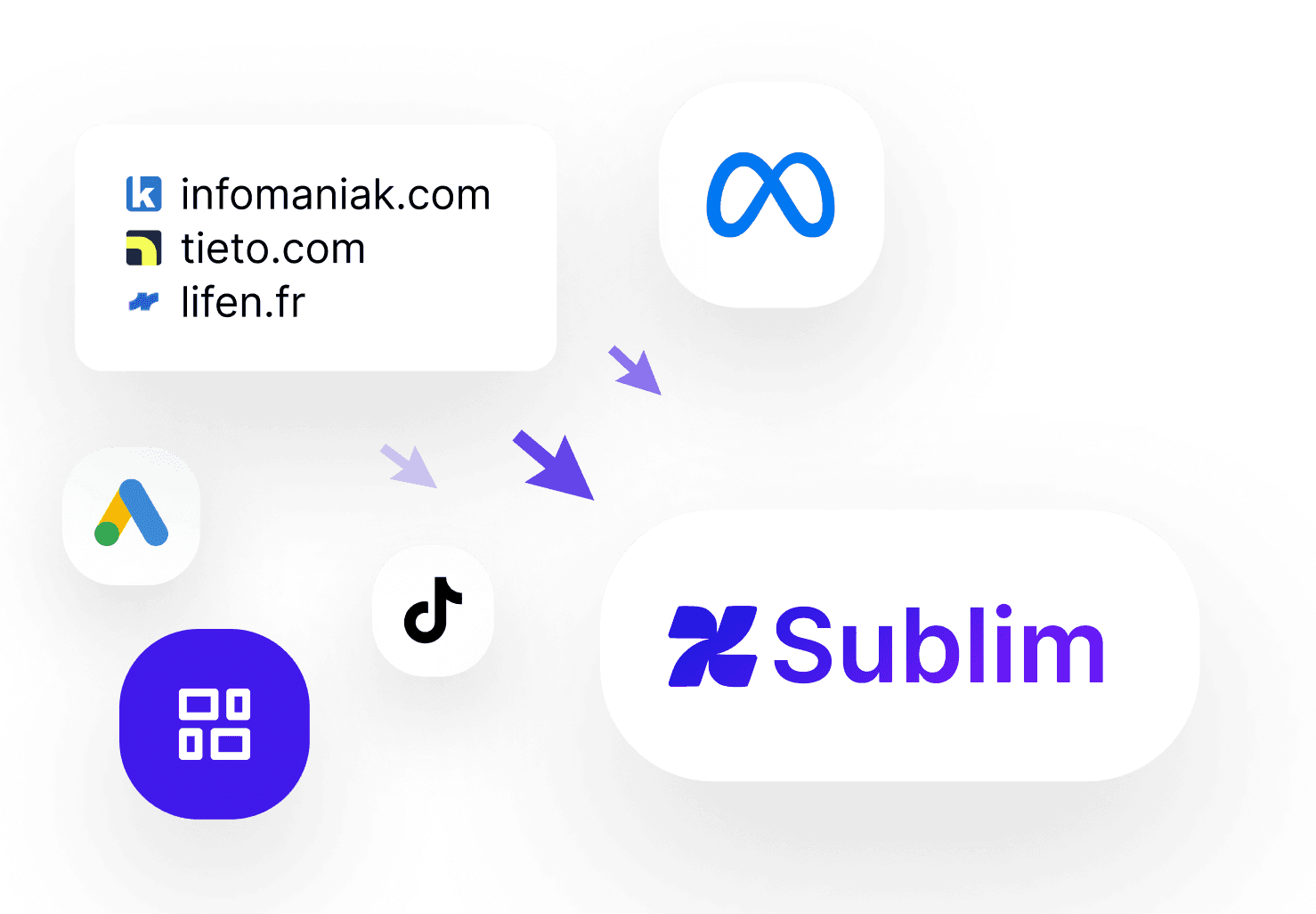
Client reports in 2 clicks, not 2 hours
Reporting is the most time-consuming task for a consultant. Sublim automatically generates visual reports with each client's KPIs, ready to share. No more copy-pasting between GA, Excel and static presentations on Friday evenings.
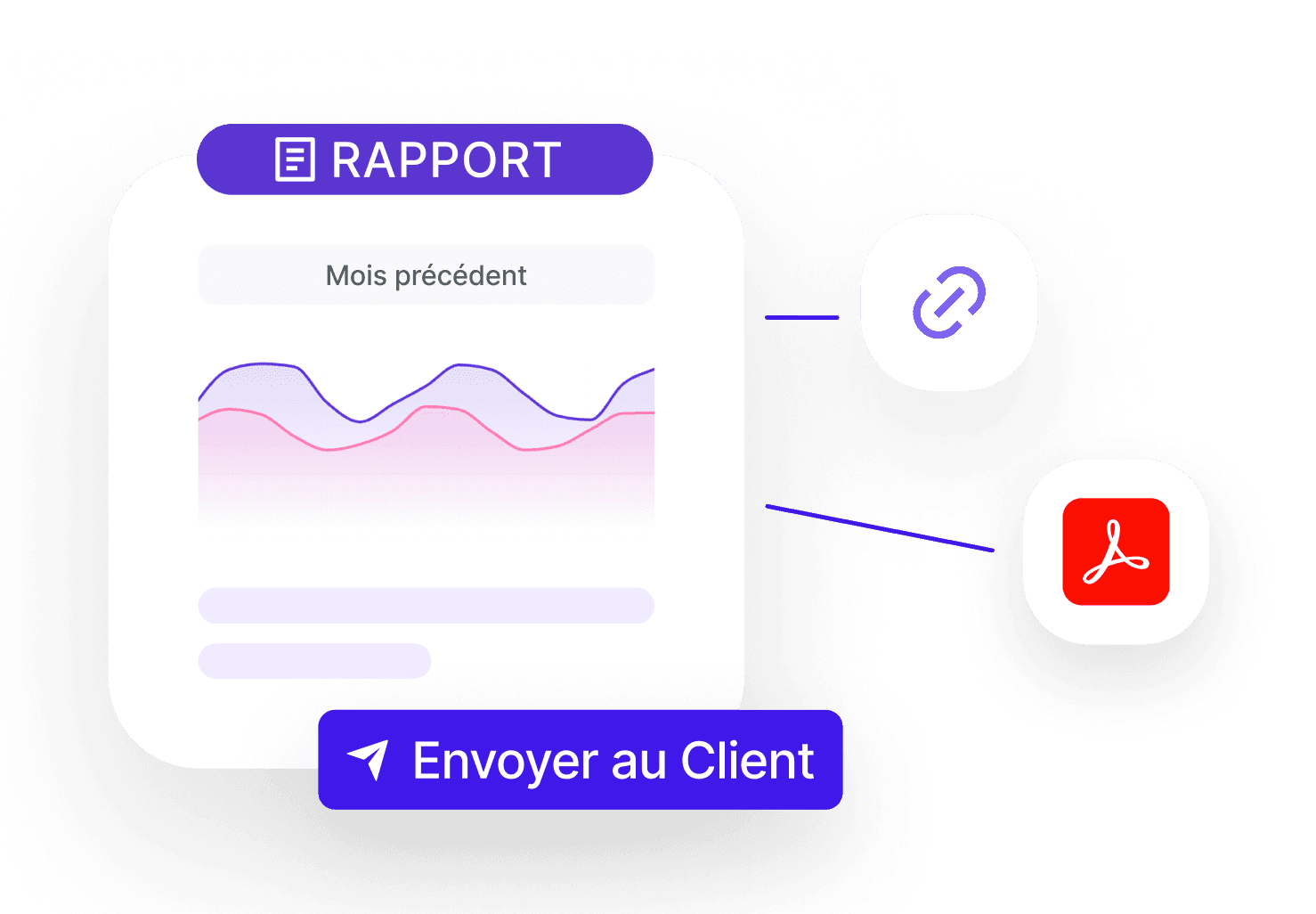
- Shareable dynamic link, always up to date, no file to resend
- Scheduled reports sent automatically every week or month
- Custom PDF export per client, with your comments included
Impress your clients with insights they haven't seen
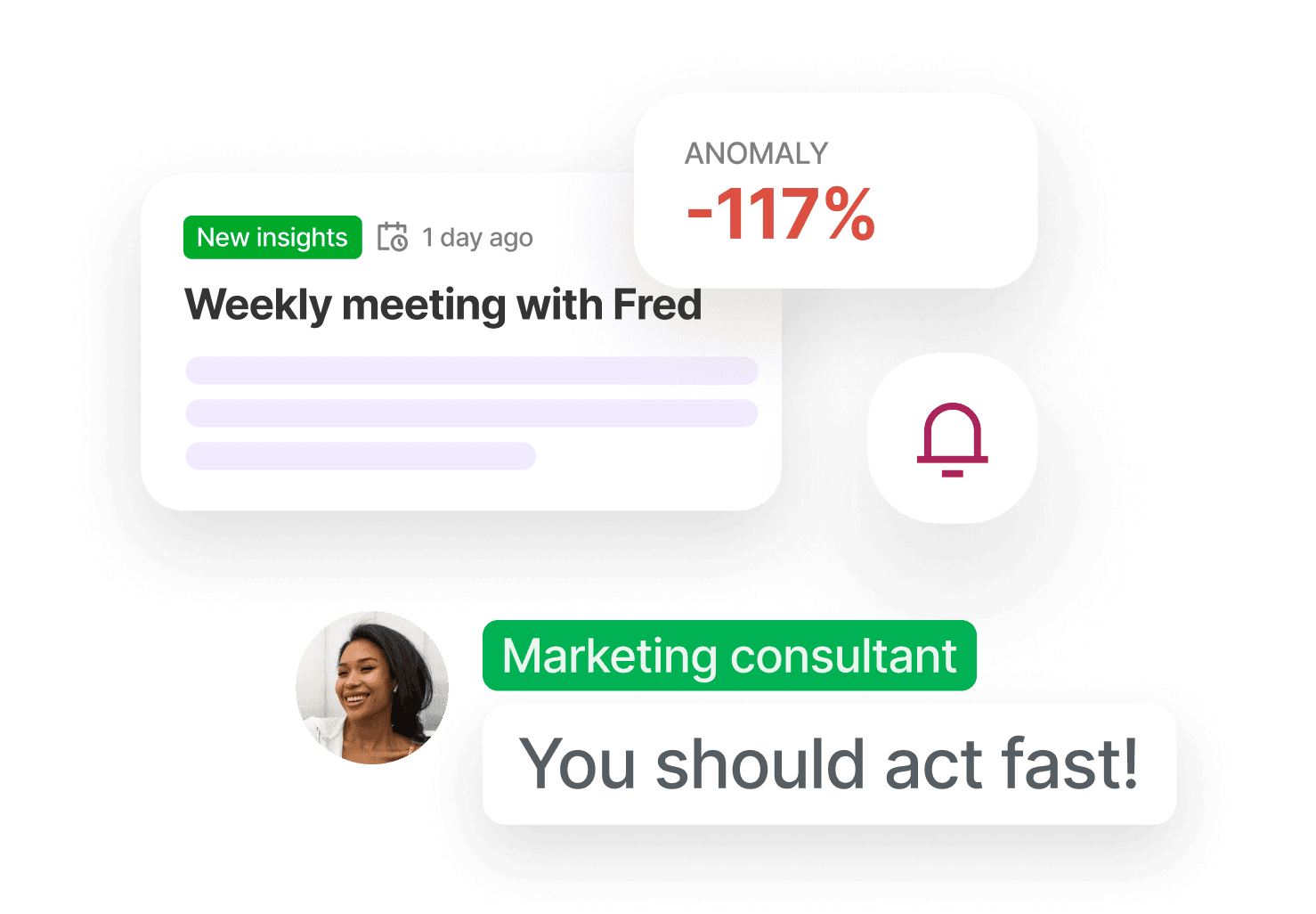
What sets a good consultant apart is their ability to spot opportunities. Sublim's AI analyzes each client's data continuously and surfaces important signals: anomalies, trends, conversion opportunities. You walk into client meetings with concrete recommendations.
- Per-project alerts: be the first to see when a channel drops or a page explodes
- Choose from key questions, the AI generates the corresponding insight for your client
- Actionable recommendations to present directly in client meetings
Sublim adapts to your consulting business
Whether you manage 3 or 30 clients, Sublim saves you time on reporting and helps you deliver more value, with reliable data and a simple interface.
One tool, multiple clients
One Sublim subscription for all your clients. You bill the tool as a service, save time on reporting and deliver professional reports, it's a selling point as much as a profitability lever.
Automated monthly reporting
Schedule a monthly report per client: it's generated and sent automatically by email. You save hours every month and your clients receive a professional deliverable without you lifting a finger.
SEO / SEM mission tracking
Show the evolution of organic traffic, rankings and conversions month over month. For paid, track UTMs and ROAS by campaign. Your clients see the concrete impact of your work.
Onboarding a new client
Create a project in 2 minutes, send the tracking script to the client and start collecting data immediately. The dashboard is ready to use, no need to spend half a day configuring GA.
Frequently Asked Questions, Consultants
How many clients can I manage with Sublim?
+
The number of projects (one per client) depends on your plan. Each project is fully isolated: dedicated dashboard, own goals, separate reports. You can switch between clients in one click without ever changing tools.
Can my clients access their data?
+
Yes. You can invite each client as read-only on their own project. They see their data, reports and KPIs, but have no access to anything else. You can also share a secure dashboard link without creating an account.
Can Sublim replace Google Analytics for my clients?
+
Yes. Sublim offers the same essential metrics (traffic, sources, conversions, behavior) in a cleaner interface, without sampling, with real-time data and native GDPR compliance. You can run both tools in parallel during the transition.
How does automated reporting work?
+
You configure a report per project with the KPIs you want to include. Sublim generates it automatically at the chosen frequency (weekly, monthly) and sends it by email to you and/or your client. You can also share a dynamic online link at any time, the client sees real-time data without needing to download a file.
Is this a commercial argument for selling my services?
+
Absolutely. Offering a GDPR-compliant analytics tool, hosted in Europe, with automated reports and AI, is a real differentiator. Your clients see that you use modern tools and that you can prove your results with reliable data, not estimates.
Is installation complicated for my clients?
+
No. Just copy-paste a tracking script onto the client's site, 5 minutes maximum. No Google Tag Manager or complex setup needed. Data starts flowing immediately and the dashboard is ready to use.