From insight to task, instantly
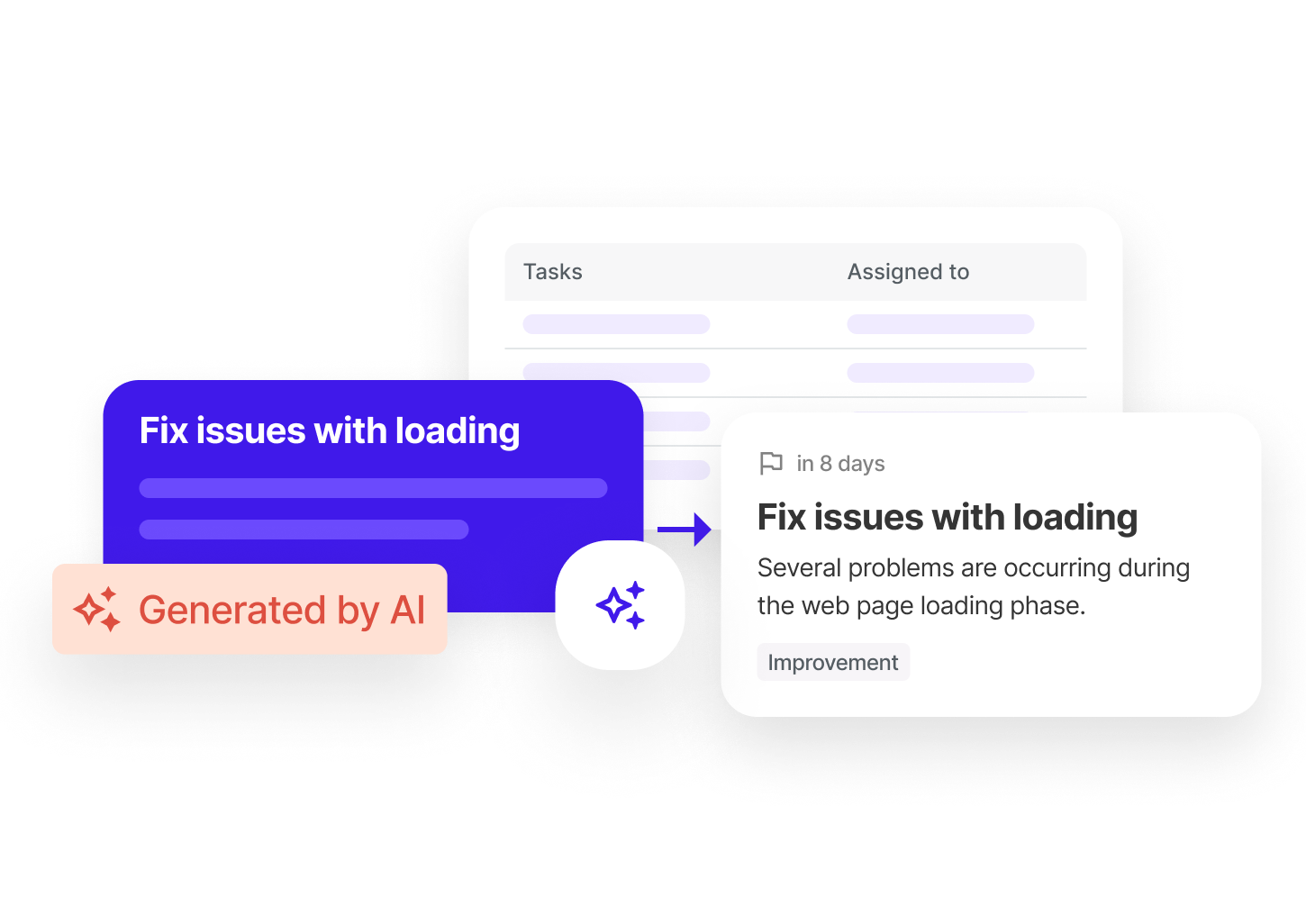
AI analyzes your data and suggests concrete tasks to improve your conversions. Accept, assign and track impact directly from Sublim.
- Actionable tasks generated from your data
- Each task shows its estimated impact on your KPIs
- Go from analysis to action without switching tools
Organize, filter and prioritize your tasks
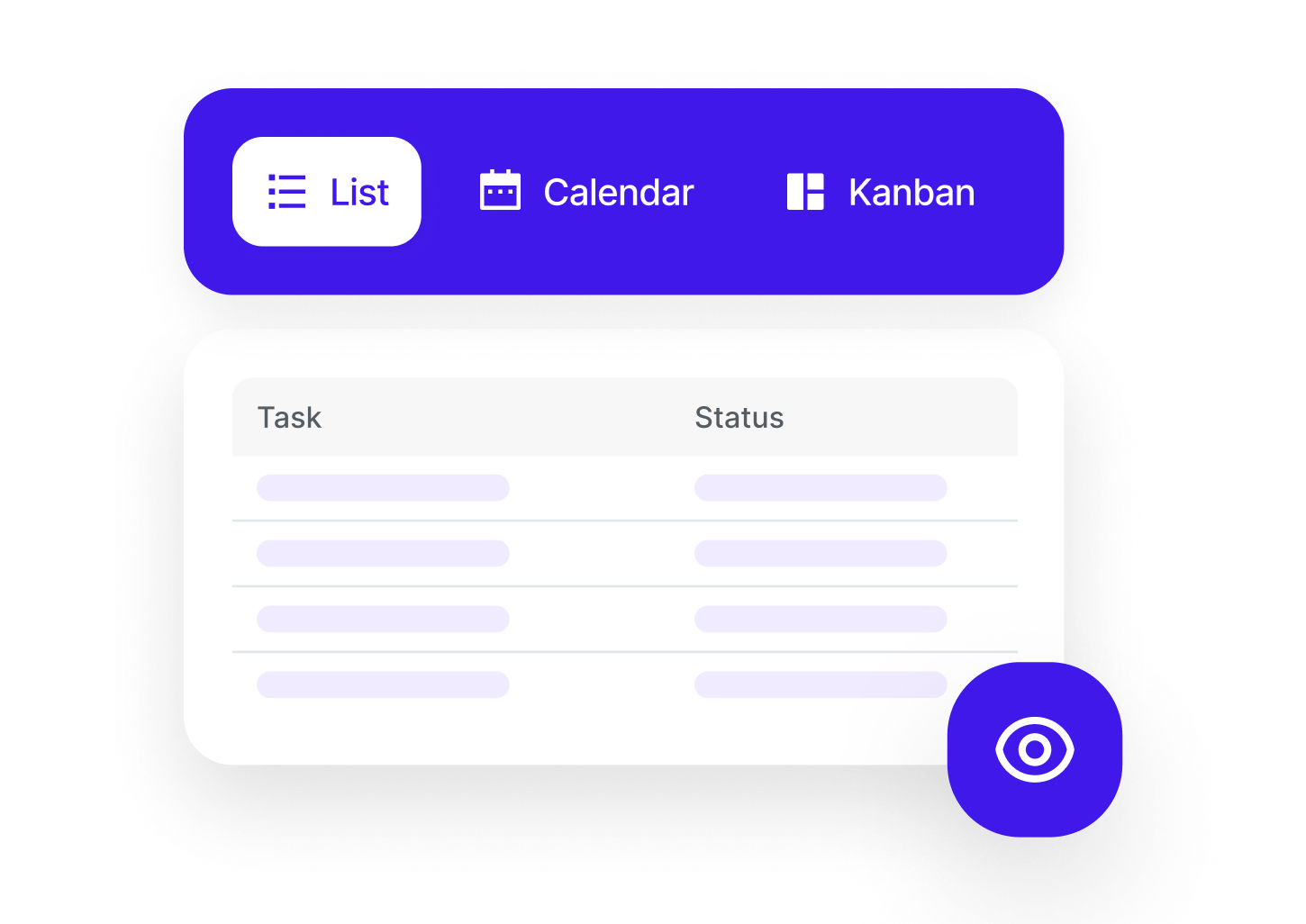
Manage your tasks in Kanban, list or calendar view. Set priorities and deadlines, filter by assignee and keep the entire team aligned.
- Assignment by member with notifications
- Filters by project, status, priority and assignee
- Deadlines, reminders and progress tracking
Manage your projects and tickets with a single tool
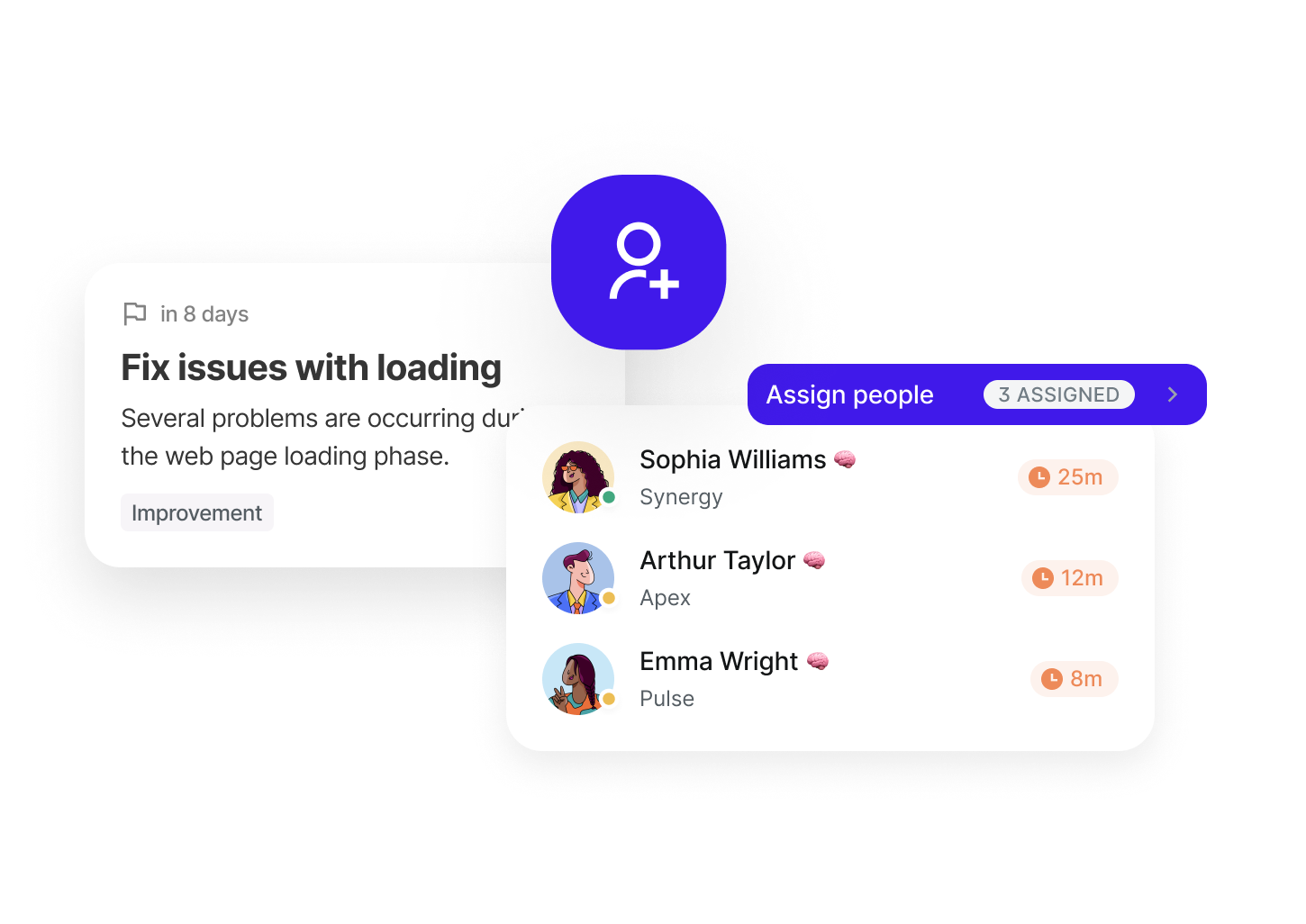
Group tasks and tickets by project, assign owners and track progress in real time. The entire team knows what to do, in what order and by what deadline.
- Assignment by member with clear roles and responsibilities
- Overall project progress visible at a glance
- Deadlines, milestones and reminders to keep things on track
Data-driven actions for every role
CMO, traffic manager, project manager or consultant — turn your insights into concrete tasks and measure their real impact.
Marketing Manager / CMO
AI detects an opportunity or issue? Turn the insight into a task, assign it to your team and verify its impact directly in the dashboard.
View solution
Traffic Manager / Growth
Traffic drop on a channel? Create a corrective task from the alert, set a deadline and measure the rebound after action — all in the same tool.
View solution
Digital Project Manager
Coordinate all actions from your analytics in a structured backlog. Prioritize by impact and track progress in real time.
View solution
Consultant / Freelancer
Manage each client's actions in separate projects. Show the value of your work by linking each task to the account's KPIs and OKRs.
View solution
Frequently asked questions about Sublim tasks
How are Sublim tasks different from a tool like Trello or Asana?
+
Sublim tasks are directly connected to your analytics data. When you create a task from an insight, all the context is attached (metrics, charts, AI recommendation). And when the task is completed, Sublim automatically measures the impact on your KPIs. No traditional project management tool does that.
Can I create tasks manually, without using the AI?
+
Of course. You can create tasks manually at any time, assign them to your team and set priorities and deadlines. AI enriches the experience but is not required.
Is the number of tasks limited?
+
No, all Sublim plans include unlimited tasks. Whether you're on Starter or Business, you can create as many tasks as needed.
How does OKR impact tracking work?
+
When you complete a task, Sublim automatically compares the associated KPIs (traffic, conversions, engagement) over a before/after period. An impact score is calculated and displayed on the task so you can measure the real effect of your action.
Can I assign tasks to other team members?
+
Yes, assignment is available on all plans. Assigned members receive a notification and can track their tasks in their personal view. The number of members depends on your plan.
Are tasks linked to a specific project?
+
Yes, each task is associated with a project (site). You can filter by project for a dedicated view, or see all tasks across your workspace at once.