Your analytics tells you what happened: the page has a 70% bounce, the form gets abandoned, the checkout leaks users at step two. What it rarely tells you is why. Session replay fills that gap by letting you watch anonymized recordings of real visits, so you see the dead click, the confusing label, the field nobody can fill.
The catch is that the best-known replay tools, Hotjar and Fullstory, usually arrive with cookies, a consent banner, another vendor in your stack, and a real risk of hoovering up personal data. This guide explains what session replay actually shows you, why "privacy-first" changes the calculation, what a good recorder should capture and deliberately mask, and where a heavyweight tool still earns its place.
What session replay actually shows you
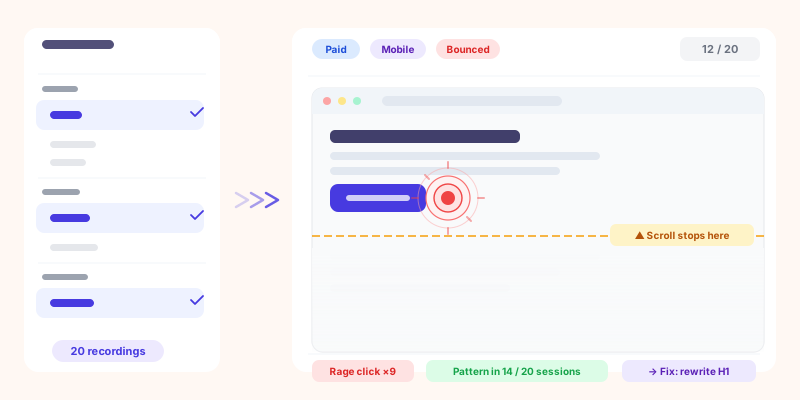
A session replay is a reconstruction of a visit: the pages viewed, the scrolling, the clicks, the typing (masked), rebuilt so you can play it back like a video. It is not literally a screen recording; it captures the changes to the page and replays them, which is lighter and safer.
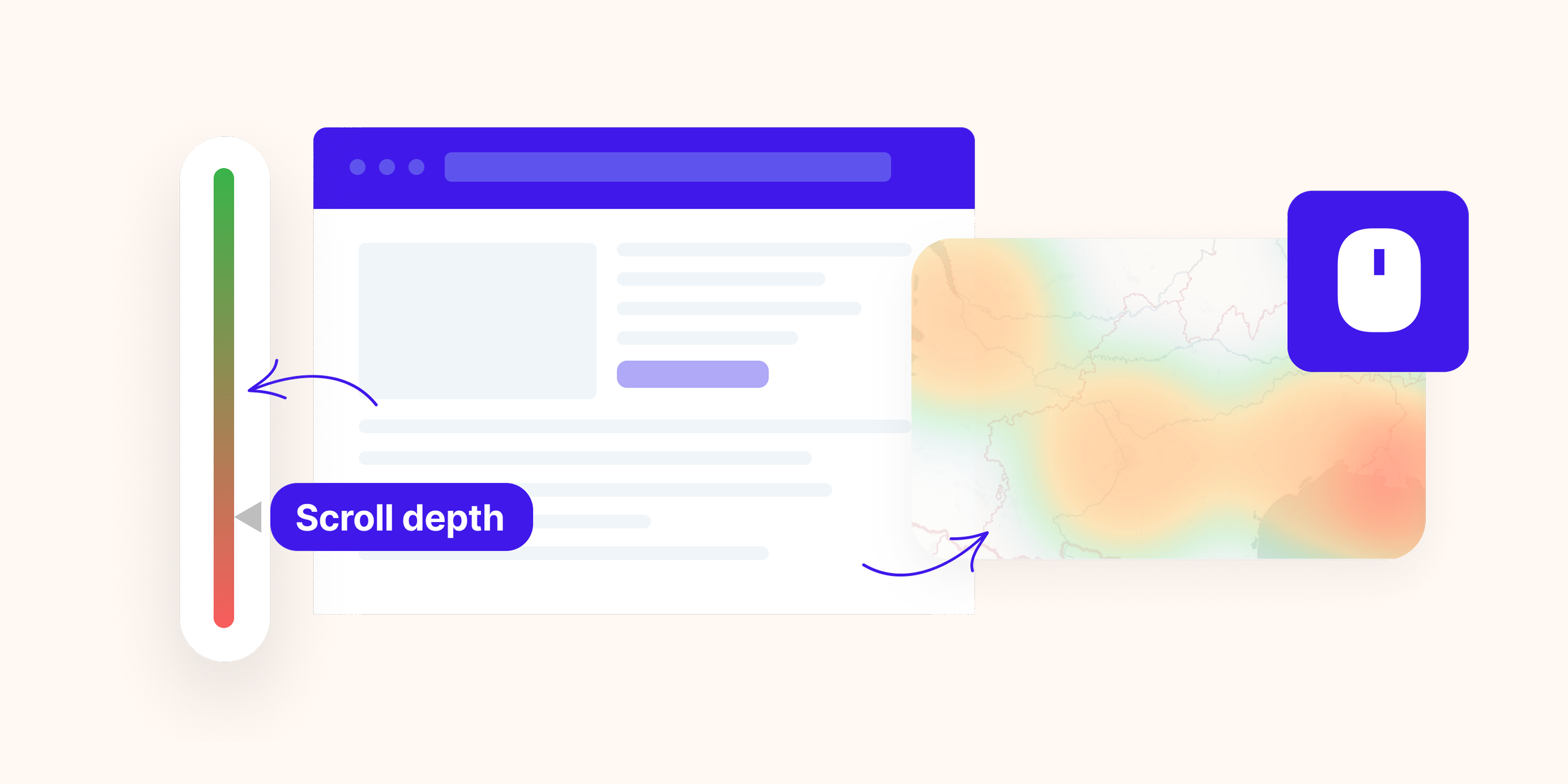
Where aggregate metrics stop, replay starts. A high heatmap concentration or a spike in exits tells you something is wrong; a handful of replays tell you what. You see the rage clicks on a non-button, the dropdown that never opens on mobile, the error message that appears below the fold. It is the fastest way to turn "the numbers look off" into "here is the exact thing to fix".
The privacy tax of the usual tools
Classic session replay was built in a world where tracking everything was normal, and it shows:
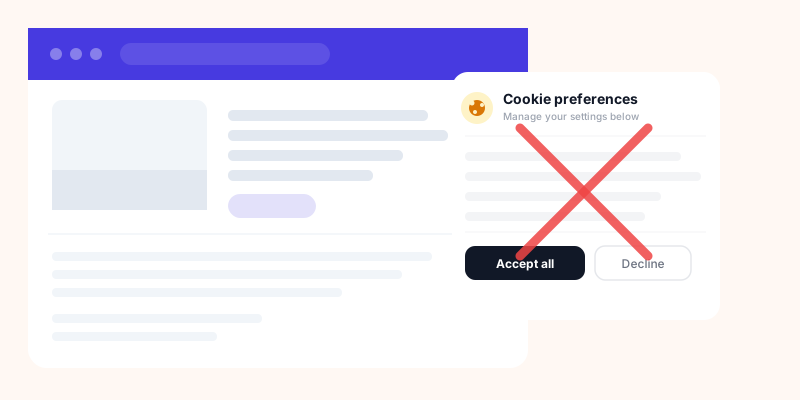
- Cookies and a consent banner. Most replay tools set cookies, which drags them under consent rules, so recordings only start after the visitor accepts, and you lose the ones who decline (see analytics without a consent banner).
- Another vendor, another data flow. A separate recording tool means a second script, a second data processor, and a second place your visitors' behavior is stored.
- A personal-data risk to configure around. Reputable recorders mask form inputs by default, but personal data rendered as page text (an email on an account page, a name on an order confirmation) can still be captured without careful configuration. The more a tool records, the more you have to lock down.
None of this makes replay bad. It makes the default setup heavy: more consent friction, a bigger GDPR surface, and a blind spot for every visitor who says no.
What "privacy-first" replay changes
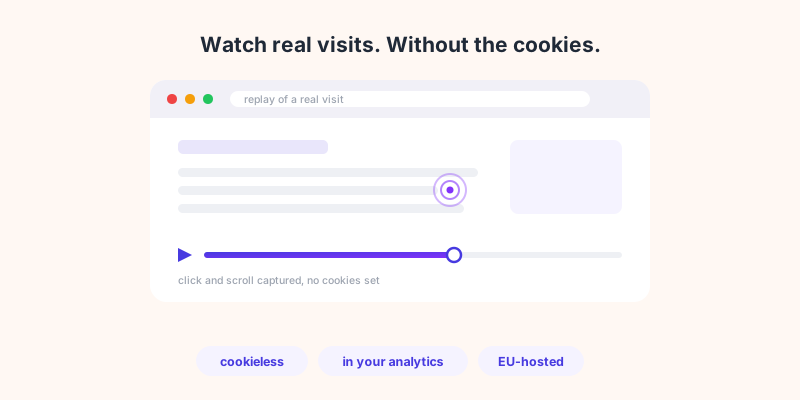
Privacy-first replay flips the defaults. Instead of recording everything and asking you to lock it down, it records the minimum needed to understand behavior, masks form inputs the way any responsible recorder should, and drops the parts that create risk:
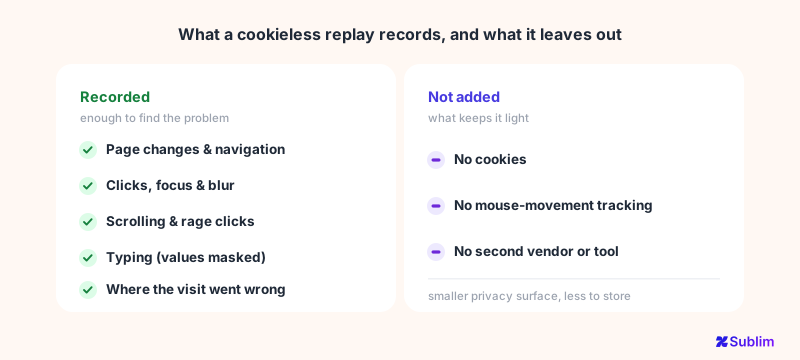
- Cookieless. When the recorder does not set cookies, it stays far lighter on consent, so you can capture behavior without the banner gating every session.
- Part of your analytics, not a second vendor. When replay lives in the same tool as your metrics, there is no extra script, no separate data processor, and no second place your visitors' behavior is stored.
- Hosted in the EU. Recordings of European visitors that stay in the EU remove a whole layer of transfer questions.
The point is not to see less for its own sake. It is that you almost never needed the sensitive parts to find the broken button, and skipping them removes the compliance headache that makes teams avoid replay altogether.
What good replay records (and deliberately skips)
Here is where honesty matters. Sublim's session replay is built to be useful and privacy-first, not to be a pixel-perfect forensic recorder. It captures what you need to diagnose a problem:
- Captured: page changes, clicks, focus and blur, scrolling (sampled), and the structure of the page, enough to see where a visit went wrong.
- Masked: all input values are masked by default, and you can flag any element to be blocked or its text masked with a simple CSS class.
- Skipped on purpose: mouse-movement tracking is off, which keeps recordings light and avoids turning replay into surveillance.
How the recording works is worth a line, because it is what makes the masking trustworthy. Nothing films your screen. The recorder stores a snapshot of the page structure, then a timestamped list of what changed: this text, this class, this field got focus, the visitor scrolled to here. The player rebuilds the page from that and replays the changes at their original timing, which is why a replay watches like a video without ever being one.
That distinction matters for privacy: the masking is structural, not cosmetic. A masked field never held its value in the recording in the first place, so there is no blurred image with the real data sitting underneath it. What was not recorded simply is not there.
That is the honest trade: you do not get every pixel and every mouse tremor, and you do not need them. What you get is the moment the visit went sideways, without a pile of personal data you would then have to protect.
Replay, heatmaps and analytics in one place
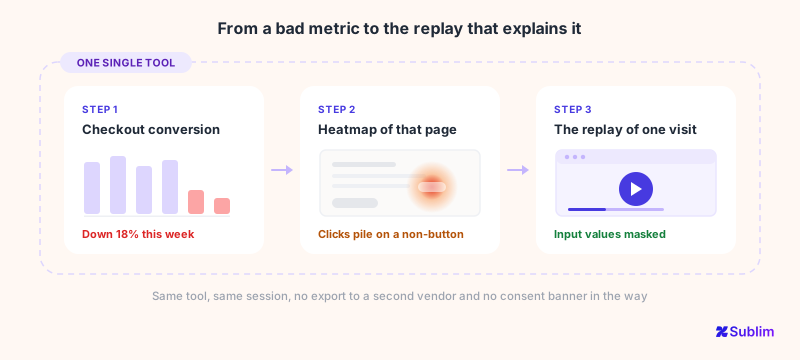
A standalone replay tool leaves you switching tabs and reconciling numbers. The bigger win of a privacy-first recorder that lives inside your analytics is context. A metric points you at a problem page, a heatmap shows you the zone, and a replay shows you the individual visit, without exporting anything to a second vendor. Because the recordings sit next to your traffic and conversions, you can go from "checkout conversion dropped" to "here are three replays of it failing" in the same tool. Traffic source even changes how you should read those replays, which is a rabbit hole of its own (see why traffic source changes your replays).
Sublim, Hotjar and Fullstory side by side
Stripped to the points that matter for this decision, here is where the three land. The rows are not all wins for Sublim, and that is the honest picture:
| Capability | Hotjar by Contentsquare See Sublim vs Hotjar → |
Fullstory See Sublim vs Fullstory → |
Sublim Try for free → |
|---|---|---|---|
| Session recordings | Yes | Yes | Yes |
| Input values masked by default | Yes | Yes | Yes |
| Cookie-free recording | Cookies by default | Cookies by default | No cookies |
| Runs without a consent banner | No, consent gates recording | No, consent gates recording | Yes |
| EU-hosted data | EU data centres, global company | EU residency optional, US company | EU-native |
| Web analytics in the same tool | No | No | Yes |
| Mouse-movement and pixel-level fidelity | Yes | Yes | Off by design |
| Retroactive session indexing | No | Yes | No |
The pattern is clear enough: the heavyweights win on fidelity and forensic search, Sublim wins on consent, jurisdiction and context. Which side of that trade you want depends entirely on what you use replay for.
When a heavyweight replay tool still makes sense
Being straight about it: if your job is deep, full-time UX research, a heavier tool can be worth its weight. Cases where a full-fidelity recorder like Fullstory earns its place:
- Pixel-perfect forensic replay. Reconstructing every mouse tremor and micro-interaction for detailed usability studies.
- Large-scale QA and error hunting. Enterprise teams searching thousands of sessions for a specific rage-click or console error, with advanced filtering built for that.
- Dedicated product-analytics suites. When replay is the core job, not a companion to your web analytics.
The point is not that Sublim replaces those tools for a full-time research team. It is that most sites do not need a forensic microscope and a consent banner to find out why the form fails. They need a few honest recordings, next to the numbers, without the privacy baggage.
How Sublim helps
Sublim gives you session replay as part of your analytics, not as a separate, cookie-heavy product. Recordings are cookieless, input values are masked by default, and you can block or mask any element with a CSS class, so you get the diagnostic value of watching real visits without collecting the data you should not keep. It sits beside your heatmaps, traffic and conversions, so a replay is one click from the metric that made you curious. It will not reconstruct every mouse tremor, and for most teams that is the point: you see why the page fails, and you keep your GDPR surface small.